I cured my doomscrolling habit by using an E Ink phone for a week
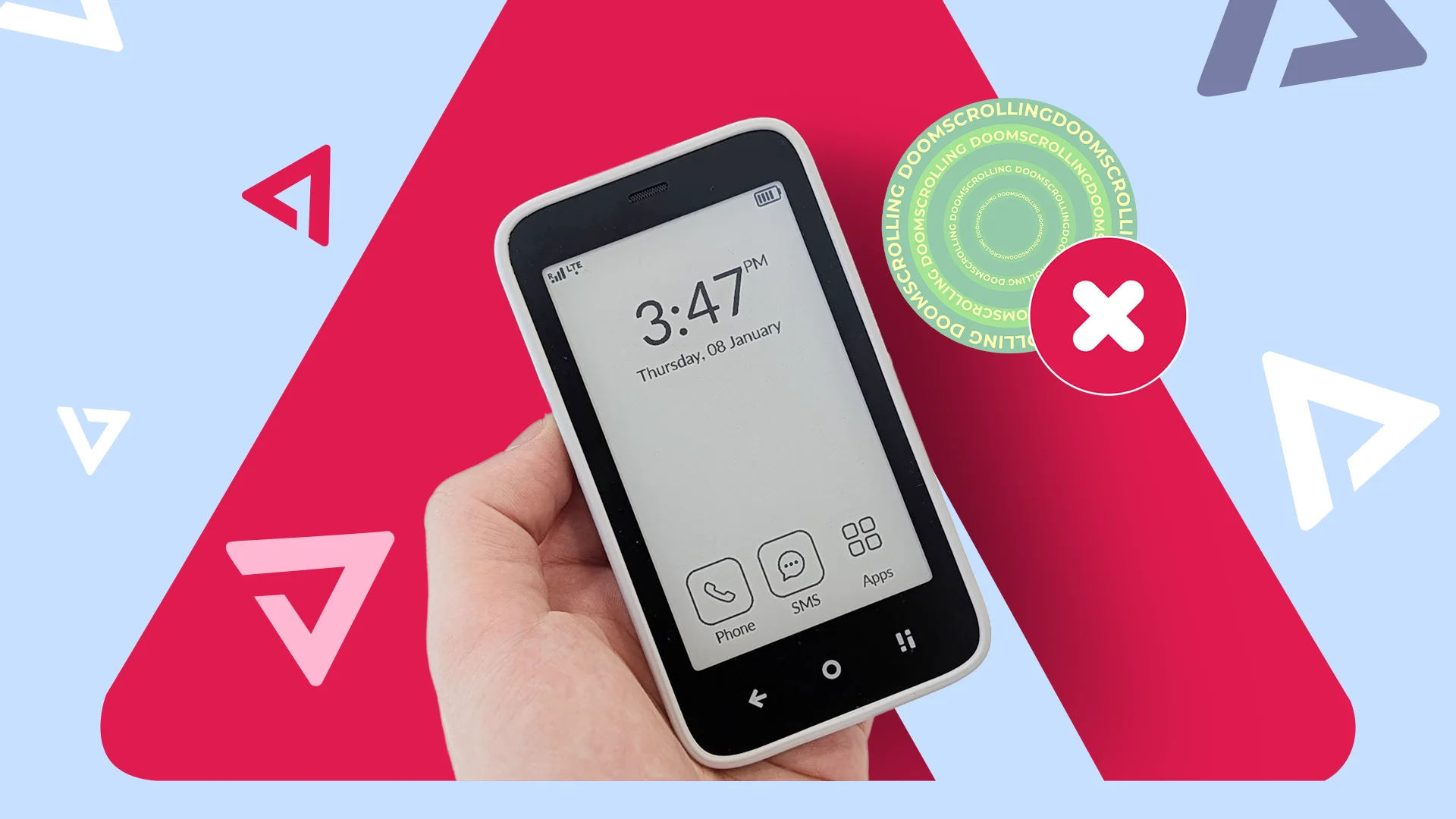

Last year, Mudita launched the Kompakt, a privacy-first phone with an e-paper display and a focus on offline use.
Since its launch, Mudita pushed regular updates to the Kompakt, so by the time I saw it at CES 2026, it offered a well-rounded smartphone experience.
I finally got one in my hands a couple of weeks ago and tried to see whether it could replace my Google Pixel phone. And if not, what place can it have in my life?
The Mudita Kompakt often gets labeled as a "dumbphone," but I find this title misleading. It's capable of installing Android apps, browsing the internet, reading books, and even playing games.
Furthermore, it's customizable, making the Kompakt feel more like a stripped-down Android phone than a dumbphone.
So can the Kompakt replace your Android flagship? Probably not. But it drastically reduced my time spent doomscrolling and helped fix my smartphone addiction.

This privacy-first phone impressed me in an unexpected way
Mudita's e-paper phone is surprisingly useable
My first impressions of the Kompakt were exactly what I expected
You can explore all of its core functions in an hour
I went hands-on with the Mudita Kompakt at CES 2026, and in an hour, I had seen everything the phone had to offer.
I saw live demos of all 12 of its preinstalled apps, was shown how the privacy switch worked, and tried out sideloading APKs. Thus, when I got the Kompakt in my hand, I didn't have to spend time learning a new OS.
Rather than an in-depth exploration of the phone's hardware and software, I want to explore the impact the Kompakt had on my life.
By the end of my week with the phone, I had established a new relationship with smartphones. The Kompakt lived on my bedside table or desk, while my Pixel lived downstairs charging in the kitchen.
For small tasks, like setting a timer or recording notes, I turned to my Kompakt. When I left my house, I picked up my Pixel and left the Kompakt behind. When I needed to check emails, browse the internet, or watch YouTube, I turned on my computer.
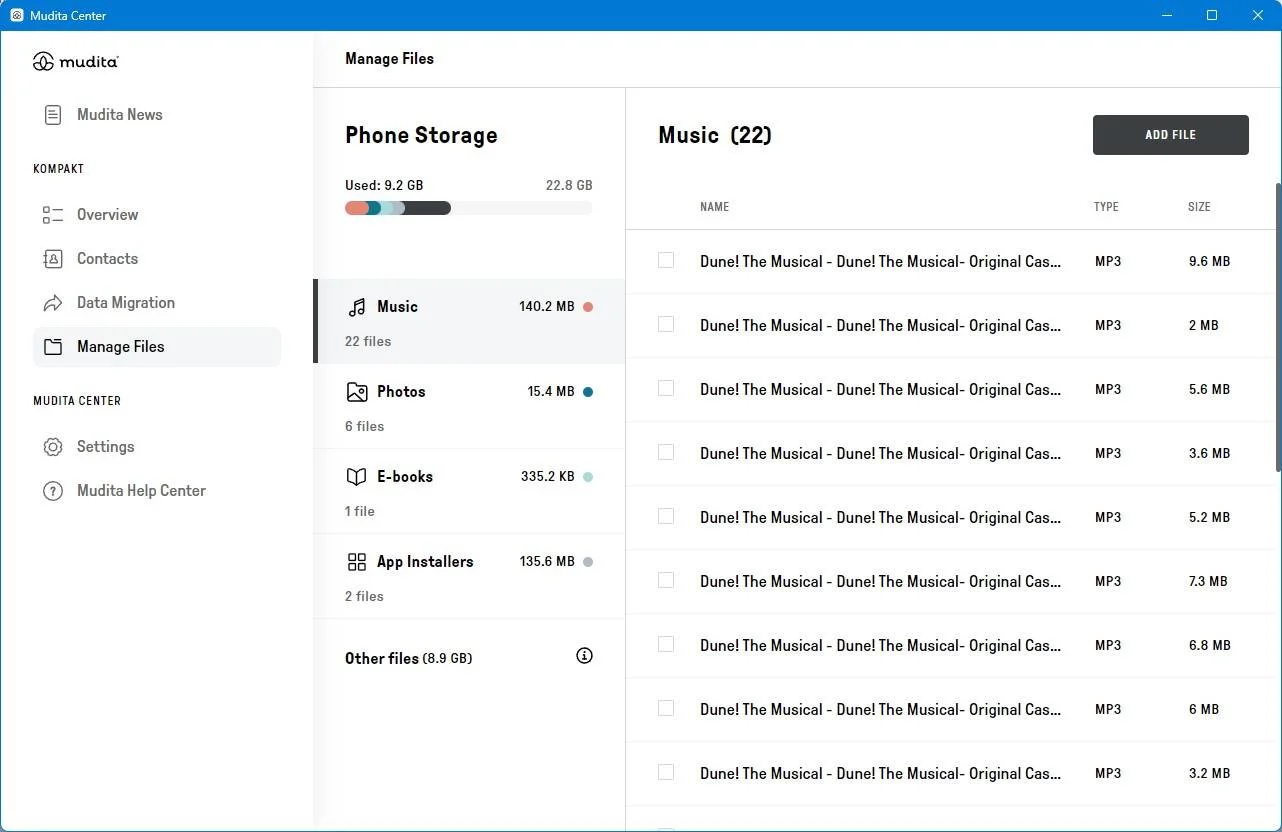
The Mudita Control Center program lets you export photos, install APKs, add e-books, and manage files.
When I started using the Kompakt, I installed my SIM card and tried using it as a daily driver. This quickly became a problem, as while I was able to sideload essential apps like WhatsApp and Gmail, I struggled to perform simple tasks that I rely on my smartphone for when I'm out of my house.
The major problem arose when I tried to use the apps I need for work.
The curse of my life is that I have to bounce between multiple messaging apps for work and personal life, check my emails regularly, and load up complex websites and apps on the go.
I also need to check my articles and use apps like Asana and Slack while I don't have access to my computer.
Unfortunately, the Kompakt's e-paper display and slow processor struggled to handle these tools to the extent that by the end of my first couple of days, I was ready to put the Kompakt down and never pick it up again.
But that's when it clicked. The Kompakt's initial appeal to me was in its use as a way to escape the hell of doomscrolling and phone addiction I struggle with every day on my Pixel.
But when I'm out of my house, it's never a problem as I'm always occupied with one task or another. It's at home that my smartphone struggle becomes real.
The Kompakt helped stop me from doomscrolling at home
I don't need my Pixel phone on hand anymore
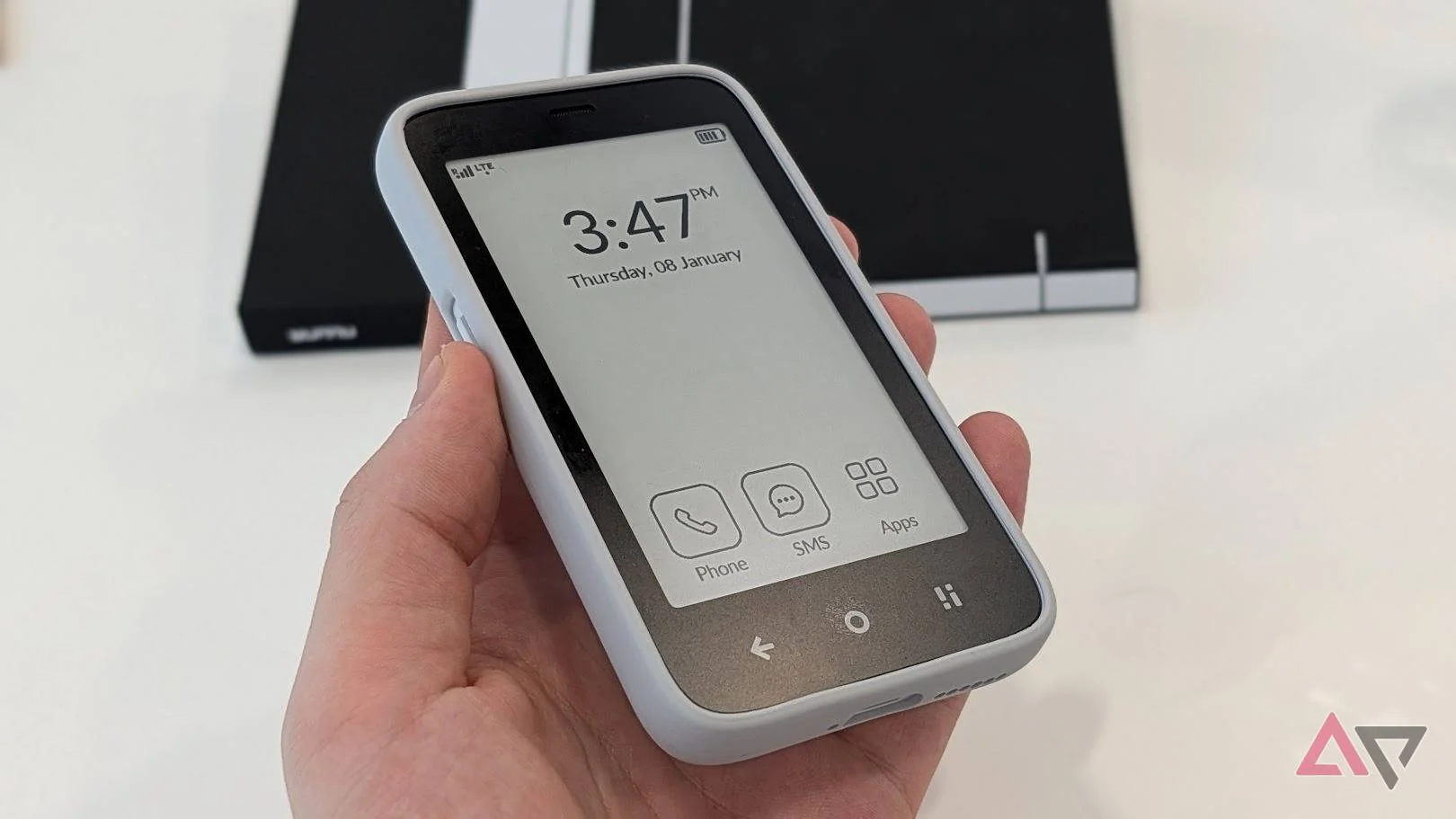
A simple truth of my life is that I don't need a smartphone at home. Everything my smartphone can do, my computer can do.
I'm working from home most days, so my computer is often more accessible than my smartphone for texting or playing music.
However, it's still useful to have a smartphone at my side, for basic tasks like those I mentioned earlier in this article, like setting alarms or making calls. For these needs, the Mudita Kompakt functions just as well as my smartphone.
When I leave my house, I pick up my Pixel phone from its charging stand by my front door and leave the Kompakt at home.
Occasionally, I'll need to grab my Pixel for tasks like downloading e-tickets, installing new apps, and for work. But when I'm not actively using it, it lives in another room, and the Kompakt lives in my pocket.
Mudita has created the perfect sidephone, but it's not a replacement
I hate to admit my dependence on my smartphone, but if the Kompakt was the only phone I could use, I would struggle to do simple tasks that I need to do regularly.
The phone's e-paper display struggles to handle everyday apps like web browsers, and the apps I need for work were almost unusable.
Today's smartphone-centric lifestyle has also created numerous other problems. One restaurant I like only offers menus on QR codes. The Kompakt could open the menu after some time, but navigating checkout was a nightmare.
I'm still using the Kompakt, but only at home. This might sound like a serious problem with the phone, but it's not.
Since adopting the Kompakt into my daily routine, I've seen my screen time with my Pixel phone drop dramatically. If I didn't need my Pixel for work, I think my use time would drop to roughly an hour a day.
Overall, I think the Kompakt is the perfect at-home smartphone, and I can see myself continuing to use it long into the future.